Tic-Tac-Toe Robot
An autonomous wall plotter robot with computer vision: you draw an X on the wall with a marker, the robot sees it, thinks, and draws the O.
An autonomous tic-tac-toe robot that plays against humans on a real wall.
The plotter draws a grid on the wall. You grab a marker, draw an X in one of the squares, and step back. A camera clipped above the board waits until your hand leaves the camera view, works out which square you used, and the robot slides across, drops its pen into an empty square, and draws an O. Then it moves back out of the way so you can go again.
That's the whole thing: tic-tac-toe against a physical robot that plays with a real pen on a real wall.
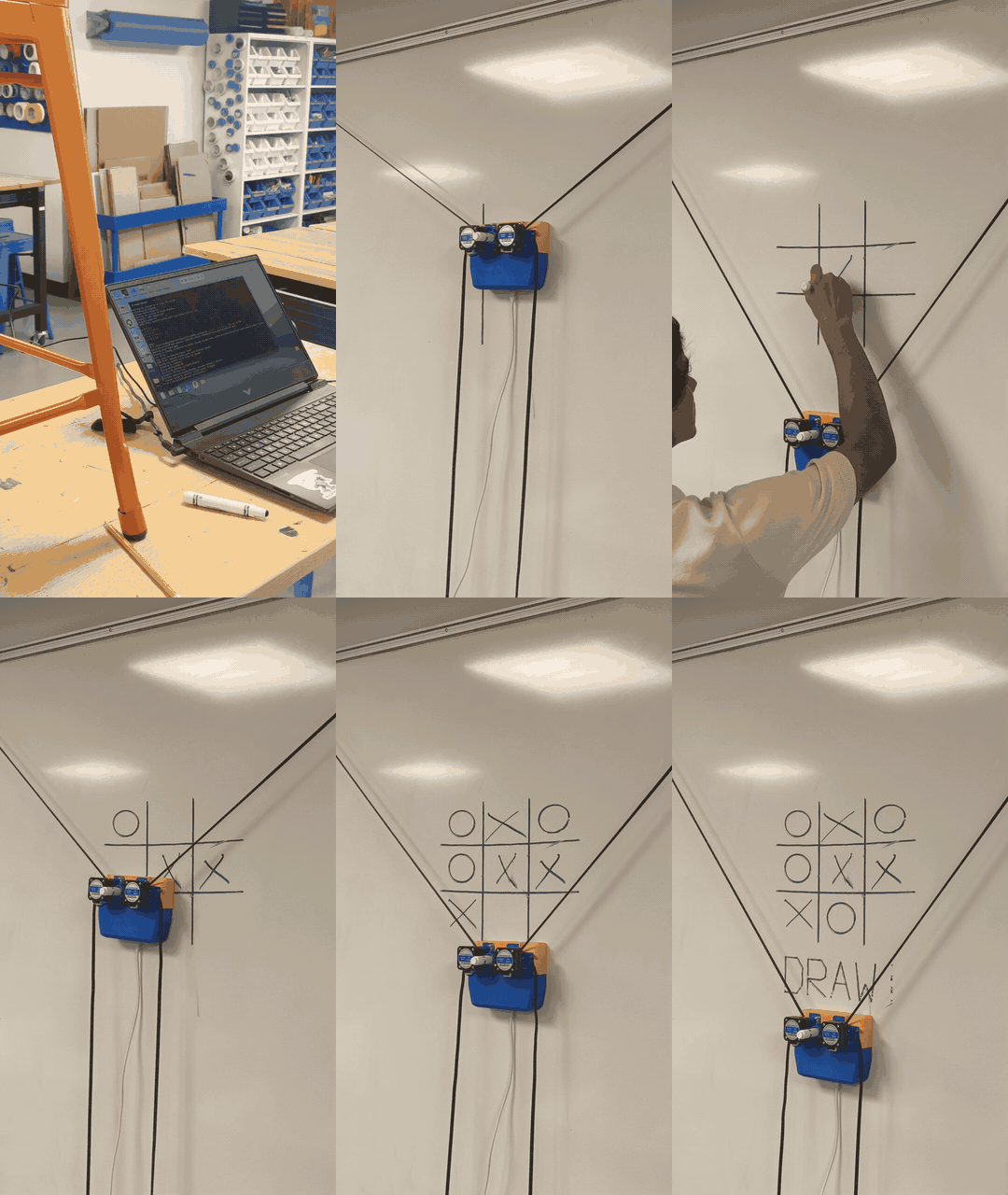
What one turn looks like
You're always X and you always go first. The plotter is always O. That keeps it a normal game, and it also gives the vision code something to lean on, since a new mark should only ever be a human X.
Once you've drawn:
- The camera waits until your hand leaves the camera view.
- It grabs a handful of frames instead of betting everything on one photo.
- It locates the grid even when the camera is off to one side, then warps that into a clean square.
- It looks for a single new X sitting in a square the engine still thinks is empty.
- Minimax calculates the best move.
- The controller sends the drawing command batch to the ESP32.
- The gondola drives over, drops the pen, draws the O, and returns to park.
- The camera verifies that the O was drawn before opening up your next turn.
It never touches your X. You draw the messy human mark and it answers with its own, just a lot slower.
The parts that gave me trouble
The wall plotter I started from is built to draw one thing. You calibrate it, upload a single picture, let it draw, and restart the ESP32. A game isn't one picture though. It's a grid, then an O, then another O, and maybe a line through three of them at the end, and each one is its own batch, with a person standing in front of the wall the whole time in between.
So most of my firmware work was turning that into something that stays running. It had to survive a finished drawing without rebooting, park itself cleanly, report boot and run IDs so I could tell when it had reset, and refuse a bad upload.
The camera was the harder half. In a real game the board is never clean: hands pass through the frame, glare shows up as marks that aren't there, and a quickly drawn X doesn't look much like a tidy one. To keep it from making things up, a detection only counts when several frames agree, and any square the engine already has as an O is left alone.
I also stopped trusting the firmware when it said it was done, since "done" doesn't guarantee the ink is physically on the wall. The vision loop visually verifies that the new O appeared on the board before allowing the next turn to start. If the ESP resets mid-draw, the system pauses instead of guessing where the pen is.
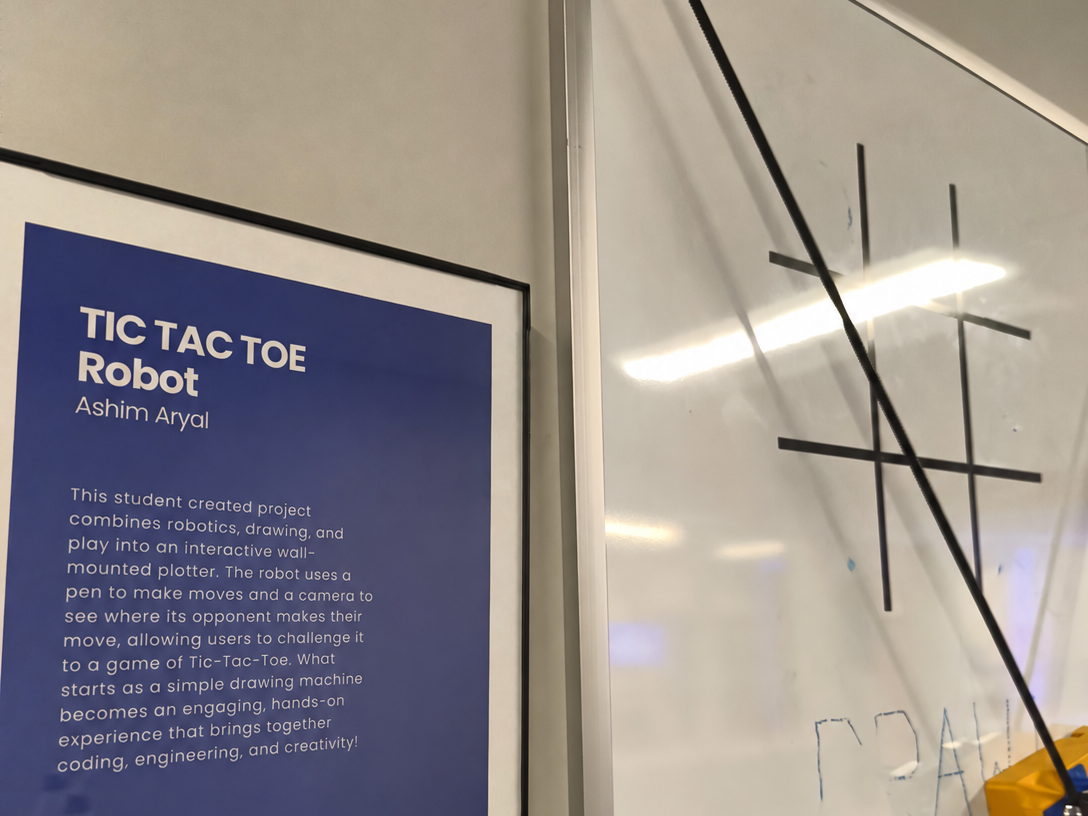
Where it stands
The full loop works. The next step is making it reliable enough to run unattended at an exhibition.
Setup, flags, and calibration live in the GitHub repository.
Comments & Discussions
Sign in with GitHub to join the conversation, leave feedback, or react with emojis.